CONNECTION DEFINITION · PRACTICAL TEMPLATE
Wire Harness Pinout Table: How to Document Connector-to-Connector Connections
A harness layout shows where its branches go. A pinout table records which identified connection point connects to which other point. The two documents should use matching connector references and an approved connection definition.
This guide provides a documentation template for customer-defined harnesses. It does not select a circuit design, assign electrical ratings or provide a wiring instruction for any specific equipment.
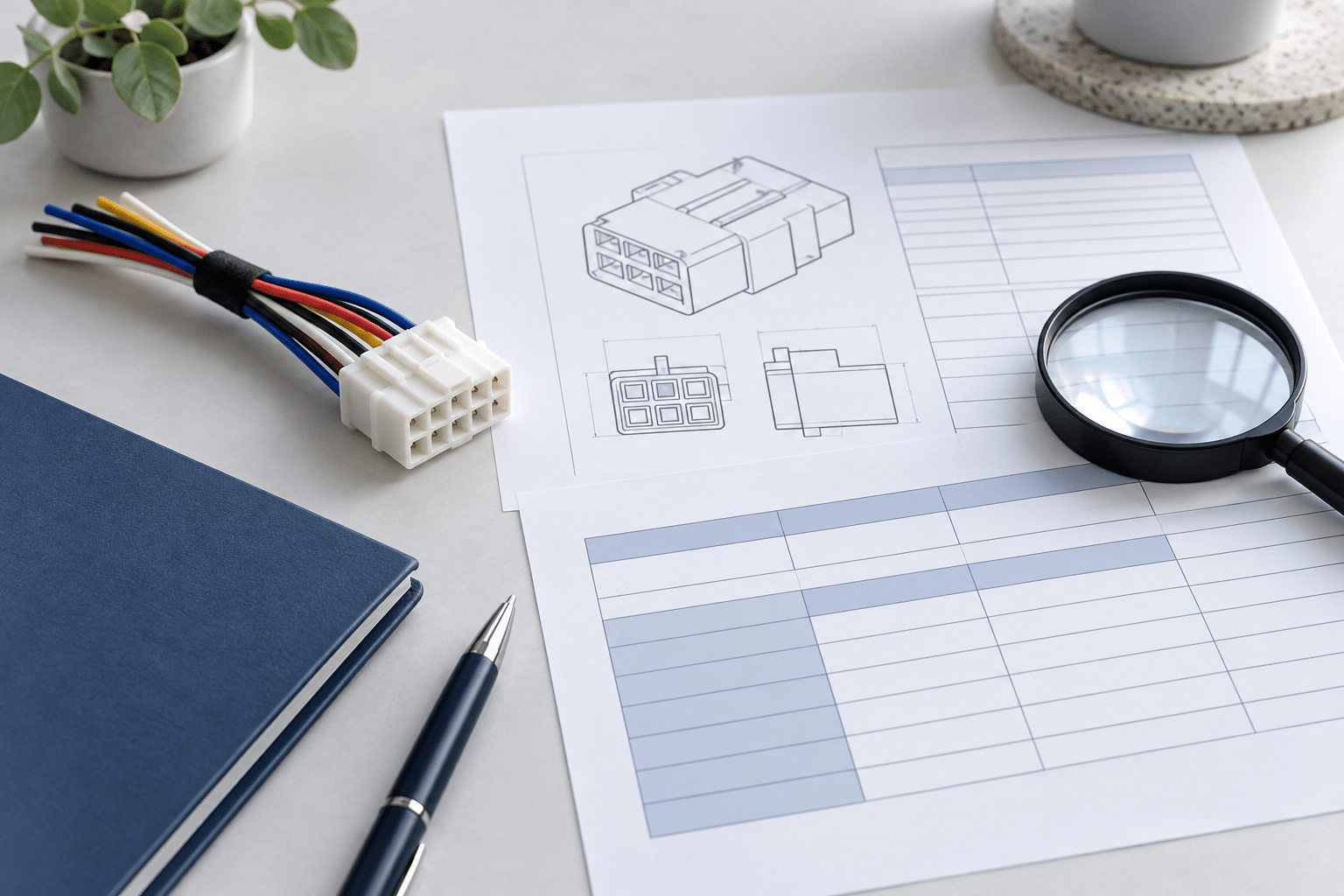
Start With Three Different Identifiers
Do not use “pin 1” as a complete endpoint description when the harness contains several connectors. Keep these identifiers separate:
- Connector reference: the assembly-level name, such as J1 or J2.
- Cavity or contact identifier: the position designated by the approved component documentation.
- Wire or circuit identifier: the customer-controlled reference that links the connection row to the wire list or schematic.
For example, “J1 / cavity [A]” identifies an endpoint more precisely than “[A]” alone. A connector part number identifies the component type, but it does not replace its location reference when the same component appears twice in an assembly.
For choosing the actual component set, use the connector selection guide. This page starts after those references are available, or clearly marked as pending.
Name the Connector View Before Recording Positions
State whether each view shows the mating face, the wire-entry side or another explicitly defined perspective. Identify a latch, key or other appropriate orientation reference using the manufacturer’s drawing. Do not assume that a sketch viewed from the opposite side can retain the same left-to-right interpretation.
Manufacturer drawings may distinguish these views explicitly. For example, the Molex 1600733102 drawing identifies a rear, wire-harness-side view and circuit identification features. This is a documentation example, not a recommended component or a pinout for your project.
Use the applicable drawing for the exact selected component and revision. Do not copy cavity numbering from a visually similar housing, and do not create a numbering scheme merely because small moulded markings are difficult to read.
A Connection-Table Template
Use a consistent format for every documented conductor or connection relationship. The fields below are a suggested review aid, not a universal manufacturing standard.
| Field | What to enter |
|---|---|
| Row / wire ID | A unique row reference and the customer-approved wire identifier. |
| From endpoint | Connector reference plus cavity or contact identifier; reference the defined connector view. |
| To endpoint | The other connector reference and cavity or contact identifier, or a clearly identified non-connector endpoint. |
| Circuit reference | Approved signal, power or circuit designation, where applicable; do not derive it from colour alone. |
| Wire specification reference | Controlled BOM or wire-list reference for the specified wire, size, colour and markings. |
| Termination references | Applicable terminal and related component references at each end, linked to the approved BOM. |
| Special connection note | Reference any splice, shield, drain or other connection detail defined elsewhere in the approved documents. |
| Revision and status | Connection-table revision, related drawing/schematic revision and approval or open-question status. |
Keep dimensions in the controlled drawing or an explicitly linked wire list rather than creating inconsistent duplicate values. See the BOM requirements guide for component references.
Illustrative Rows: Format Only, Not a Usable Pinout
The placeholders below deliberately do not specify real cavity numbers, wire sizes or circuit functions. Replace them only with customer-approved information. They must not be used to connect or energise equipment.
| Row | From | To | Wire reference | Status |
|---|---|---|---|---|
| R-01 | J1 / [approved cavity] | J2 / [approved cavity] | [wire-list item] | [approval reference] |
| R-02 | J1 / [approved cavity] | J3 / [approved cavity] | [wire-list item] | Open: endpoint awaiting confirmation |
An unresolved row remains visibly open. Do not populate it by copying a nearby row, matching wire colours or assuming a straight-through connection.
Document Exceptions Instead of Leaving Blank Cells
- Unused positions: identify intentional unused cavities separately from missing information. Reference any required plug or seal specified for the chosen component system.
- Splices and branches: refer to the approved splice or node detail so the complete connection relationship is visible. A two-end row should not conceal a multi-end connection.
- Shield and drain connections: identify their required endpoints separately where applicable. Do not assume both ends are connected or that a shield follows an adjacent conductor.
- Prepared wire ends: assign a clear endpoint reference and link the approved end-preparation requirement rather than leaving the destination blank.
For multi-wire junction documentation, see splice documentation requirements. This template does not prescribe how a circuit should be electrically designed.
Review the Table Against the Drawing Before Release
Check that every connector reference resolves to a defined component and view, every populated endpoint is accounted for, and every open decision has an owner. Compare the table with the applicable schematic and assembly drawing rather than treating any one file as automatically authoritative.
If two sources disagree, use the requirement-conflict clarification process. Record the approved resolution and update affected documents through revision control.
A completed table defines the intended connection relationships; it is not a test report and does not prove that a manufactured harness conforms. Required verification methods, acceptance criteria and records should be agreed separately under the project test specification.
Send One Aligned Connection Definition
Cablum makes custom wire harnesses according to customer drawings, wire and connector requirements. Share the assembly drawing, connection table and matching BOM, with unresolved rows clearly identified, for project review.